


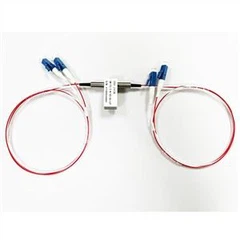
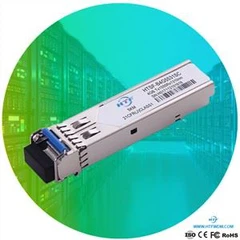


Before connect, use Absolute alcohol to clean the fiber optical patch cord.
Then use Fiber End-face Visual Inspector to check.
Must make sure it is clean before connecting,
Avoid making the MUX DEMUX and optical transceiver dirty. Prepare optical power meter to check if connect and if have light.v
Use patch cord to connect the MUX and optical transceiver (switch/equipment)
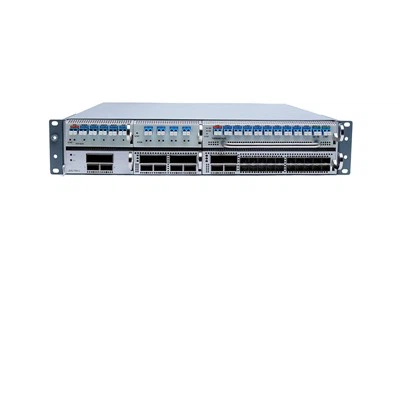
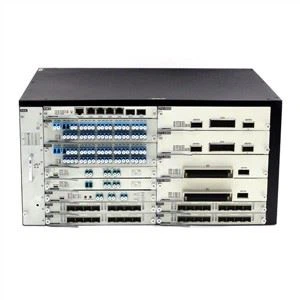
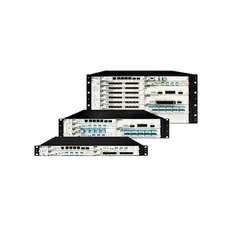
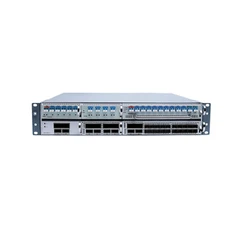
We use this HT6000 DWDM system equipment as switch to do the install testing.

C21 SFP connect to switch, use patch cord connect C21 SFP Tx connect to MUX C21
C21 SFP Rx connect to MUX C22

You can test the com Port. If this COM can receive the light, show the MUX is ok, SFP transceiver is also ok.
Can test the DEMUX C21 port, make sure the light is <-8~-22, so this is ok.

C22 SFP connect to switch, Use patch cord to connect C22 SFP Rx connect to DEMUX C21 C22 SFP Tx connect to DEMUX C22
You can test the Mux C22 port,
Make sure the light is <-8~-22, so this is ok. The MUX is ok, SFP transceiver is also ok.
C21 SFP Rx connect to Mux C22
How to install C23 C24 Module?
C23 SFP connect to switch, Use patch cord to connect C21 SFP Tx connect to MUX C23, C23 SFP Rx connect to Mux C24.
C24 SFP connect to switch, Use patch cord to connect C24 SFP Tx connect to DEMUX C24, C24 SFP Rx connect to DEMUX C23.