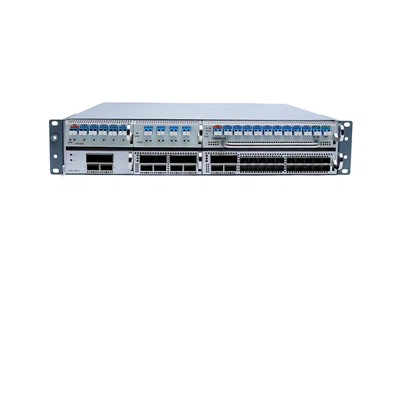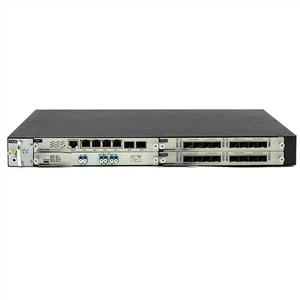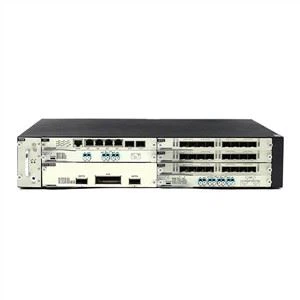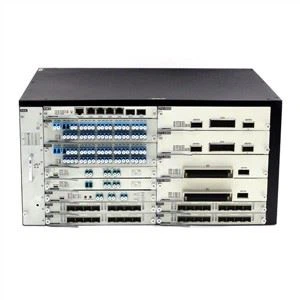



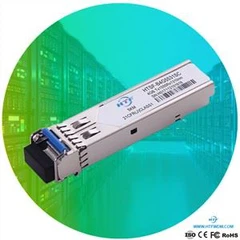


There are 8 steps to install the 40G QSFP + SR4 optical module. These 8 steps are as follows:
Step 1: Put the anti-static wrist strap on the correct grounding point on the hand or rack;
Step 2: Remove the QSFP + optical module from its protective packaging;
Step 3: Check the label on the appearance of the QSFP + SR4 optical module to confirm that the model of the optical module is correct.
Step 4: Remove the dust plug of QSFP + SR4 optical module and set it aside.
Step 5: Install the optical module with bail clip:
A: Align the QSFP + SR4 optical module with the slot vertically.
B: Align the QSFP + SR4 optical module with the slot, and carefully slide the QSFP + SR4 optical module into the slot until the optical module is completely in contact with the slot.
Step 6: Installation of QSFP + SR4 optical module with pull tab:
A: Hold the optical module with the label facing up.
B: Align the QSFP + SR4 optical module with the slot, and carefully slide the QSFP + SR4 optical module into the operation until the optical module is completely in contact with the slot.
Step 7: Hold the exposed part of the QSFP + SR4 optical module with your thumb to fully fix the optical module in the slot.
Step 8: Reinstall the dust plug into the optical hole of the QSFP + SR4 optical module until the fiber jumper is connected. Do not remove the dust plug before the fiber jumper is not connected.