




Procedures for CWDM System Installation
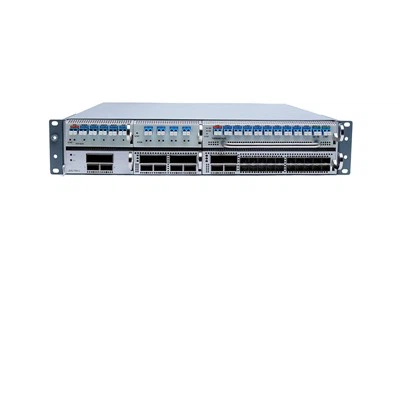
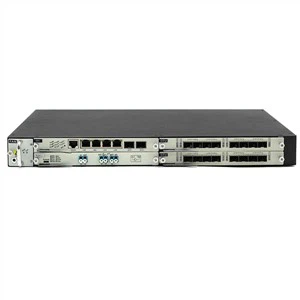
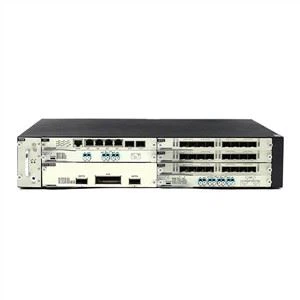
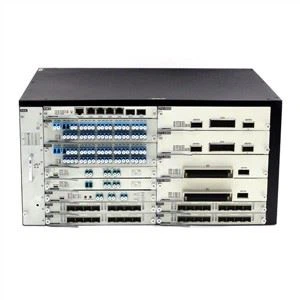
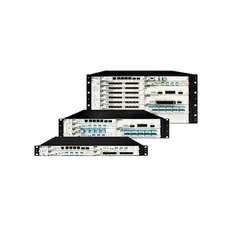
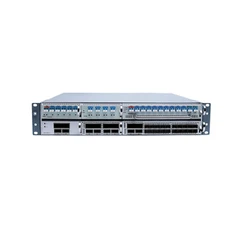
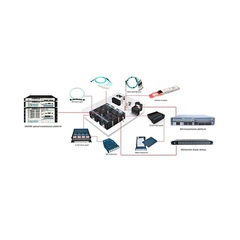
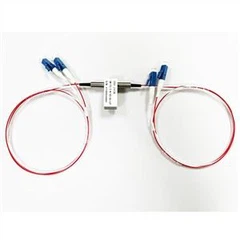
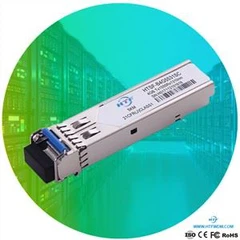
The CWDM system includes the system shelf, CWDM OADM, CWDM Mux/Demux and CWDM transceivers. You must first install the system shelf, then the CWDM OADM and CWDM Mux/Demux, followed by the CWDM transceivers you want to install.
Install the System Shelf
Follow the steps below to mount the system shelf on an equipment rack:
1. Align the mounting holes in the L brackets with the mounting holes in the equipment rack.
2.Secure the system shelf using four screws through the elongated holes in the L bracket and into the threaded holes in the mounting post.
3.Use a tape measure and level to ensure that the system shelf is mounted straight and level.
Install the CWDM OADM and CWDM Mux/Demux (Plug-in Module)
1.Loosen the captive screws on the blank plug-in module faceplate and remove the faceplate.
2.Align the plug-in module with the slot on the system shelf.
3.Gently push the plug-in module into the system shelf slot. Ensure that you line up the captive screws on the plug-in module with the screw holes on the shelf.
4.Tighten the captive screws.
Remove the CWDM OADM and CWDM Mux/Demux (Plug-in Module)
1.Loosen the captive screws on each side of the plug-in module using a screwdriver.
2.Gently pull on both captive screws to release the plug-in module from the shelf.
3.Pull the plug-in module out of the shelf.
4.Replace the blank plug-in module faceplate if you do not intend to install another plug-in module.
Install a CWDM Transceiver
1.Remove the CWDM transceiver from its protective packaging.
2.Verify that the CWDM transceiver is the correct model for your network configuration.
3.Remove the dust covers from the CWDM transceiver’s optical bores.
4.Grasp the sides of the CWDM transceiver with your thumb and forefinger.
5.Insert the CWDM transceiver into the correct slot on your switching module. You should hear a click when the transceiver has been properly seated into the slot.
Remove a CWDM Transceiver
1.Disconnect the fiber optic patch cable.
2.Release the CWDM transceiver from the slot by simultaneously squeezing the plastic tabs.
3.Pull the CWDM transceiver out of the slot.
4.Install the plug in the CWDM transceiver optical bores and place the CWDM transceiver in protective packaging.